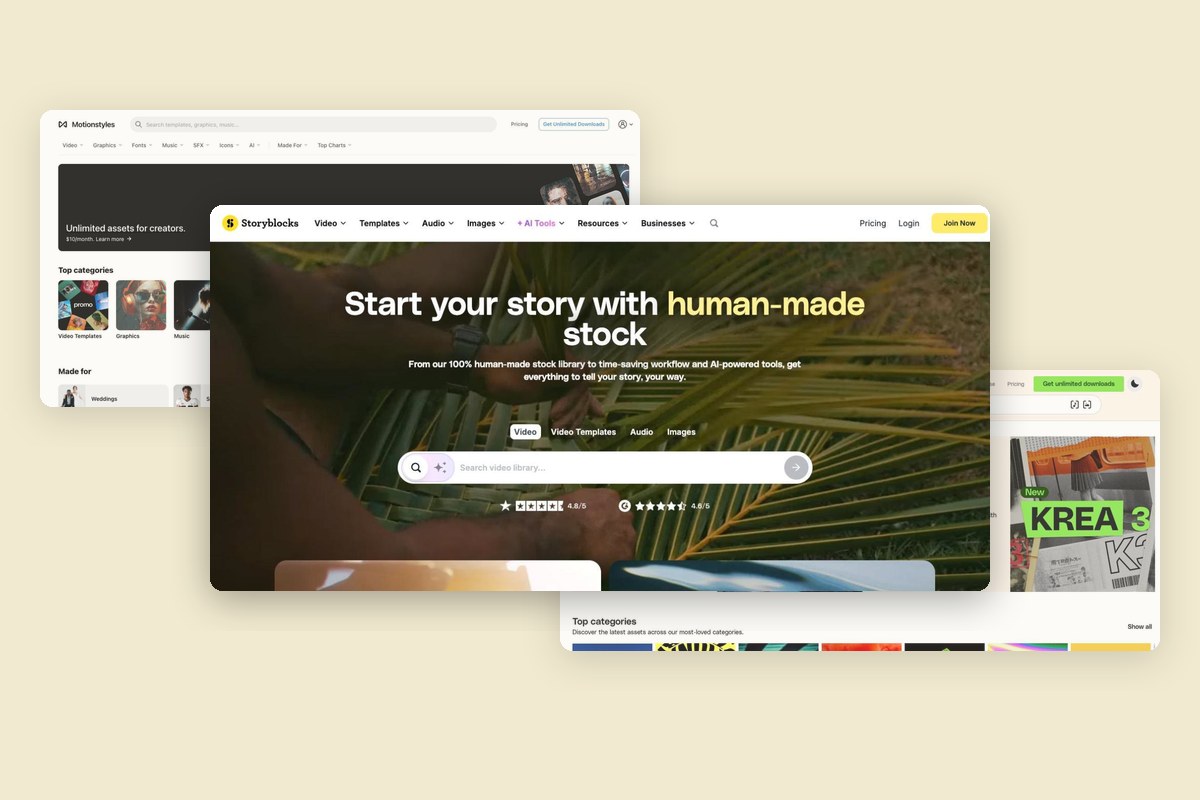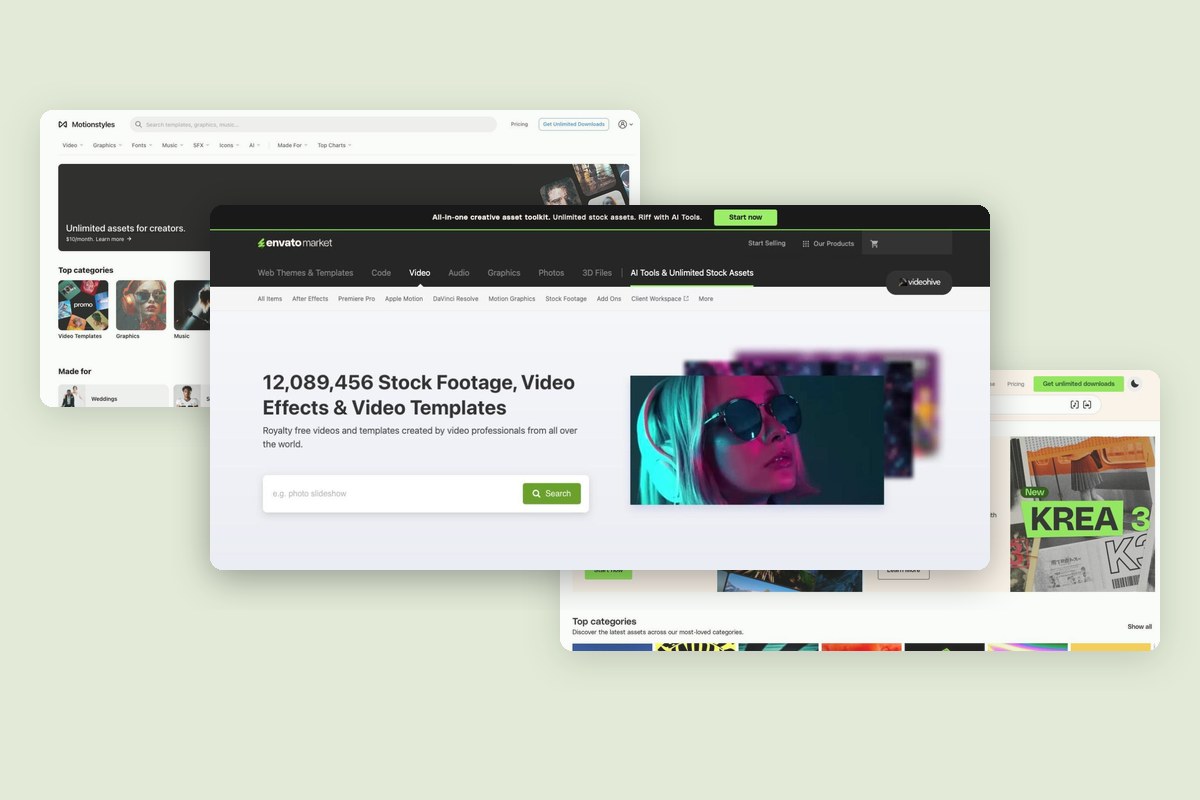
Videohive is Envato's pay-per-item marketplace for video templates, motion graphics and stock footage. You buy each item on its own, and each license covers one end product. If you use templates in a lot of projects, want music, fonts or graphics from the same place, or need a free library, a different kind of service may fit your work better.
We compared eight alternatives on what they include, how their licenses work after you cancel, and what their plans cost. Every price and library number here comes from each service's own pricing, plan or license page, checked in November 2026. Where a service doesn't publish a number, we don't guess one.
Videohive at a glance
Videohive is part of Envato Market. Its homepage counter showed 11,987,137 stock footage clips, video effects and video templates in November 2026. There is no plan to subscribe to: each item has its own price, and you pick a Regular or Extended license when you buy it. Videohive itself doesn't sell music or fonts.
License: The Regular license covers one end product that is free to the end user, and you can charge a client for making it. If the end user pays for the end product, you need the Extended license. Each license covers one end product, so one purchase can't be reused across clients or jobs. Items can't be used in stock items or templates.
The Alternatives
1. Motionstyles
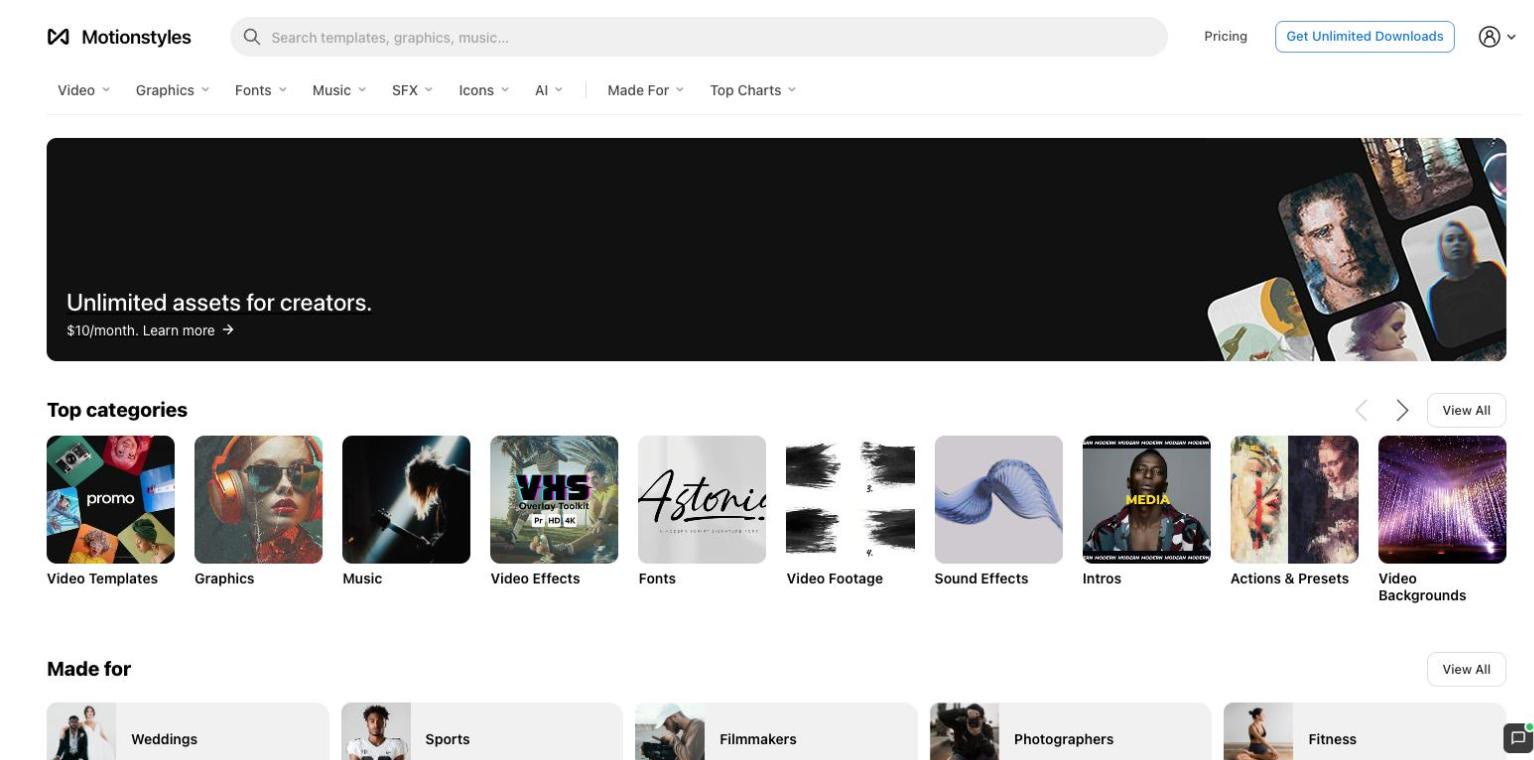
Motionstyles is a marketplace of 18,900+ video templates, graphics, fonts, music, sound effects and AI assets made by independent creators. Like Videohive, its video side is built around templates for editors. Unlike Videohive, one plan covers the whole library, and items are organized into hand-picked Made For collections for churches, sports, realtors, weddings, educators, YouTubers and more.
The library includes 7,900+ video items, among them 4,200+ for After Effects and 3,300+ for Premiere Pro, plus templates for DaVinci Resolve, Final Cut Pro and Apple Motion and compositing overlays like smoke, fire, particles and light leaks. It also has 7,800+ graphics (for Photoshop, Illustrator, Figma, Procreate, Canva and more), 1,100+ fonts, 1,100+ music tracks, 600+ sound effects and 200+ AI assets such as Midjourney style codes, prompts and LoRA models. Each music track shows its Content ID and P.R.O. status, and the music license covers broadcast, film and live events.
If you buy stock clips on Videohive, Motionstyles won't replace them: it has no b-roll. It fits best if your work is mostly templates, titles, graphics and music.
Plans: Free at $0 with unlimited free downloads, Pro at $24 a month or $120 a year, and Lifetime at $299 one time. Pro and Lifetime cover the full library for one user. See plans.
License: Commercial and client work are covered. Each item is used in one end product, while fonts and add-ons install on up to two devices and work across projects while you're subscribed. Finished projects stay licensed after you cancel, and new projects need an active plan. Lifetime access does not expire. Read the license.
Pros:
- One plan covers templates, graphics, fonts, music and sound effects
- Curated collections built around who you create for
- Free plan and a one-time Lifetime option
Cons:
- No stock photos or b-roll footage
- A smaller, more focused library than Videohive
- No AI generation tools (AI assets are prompts, style codes and models)
2. Envato Elements
Envato Elements is Envato's subscription library, from the same company as Videohive. Instead of buying items one at a time, one plan covers its whole library: 30+ million assets, including 10.2M+ stock videos, 160,000+ video templates, 16.7M+ photos, 350,000+ music tracks, 950,000+ sound effects, 440,000+ graphic templates, 300,000+ graphics, 82,000+ fonts and 380,000+ 3D items. Its AI tools cover images, video, voiceover, music and sound, and graphics and mockups.
Plans: Core is $39 a month, or $16.50 a month billed annually, and includes 20 AI credits a month. Plus is $59 a month or $39 a month billed annually, with 200 AI credits. Ultimate is $259 a month or $168 a month billed annually, with more AI credits. Students get 30% off Core, and there are Teams and Enterprise plans.
License: Each license covers one specific project, so every new use needs a new license. Fonts and add-ons install once and work across projects while you're subscribed. Licenses for projects you completed while subscribed stay valid, but after you unsubscribe you can't use items in new work. Music items can't be used in broadcast presentations.
Pros:
- Templates, footage, music, fonts, photos and 3D in one plan
- AI tools for images, video, voiceover, music and graphics
- Student discount on Core
Cons:
- Each project needs its own license
- No free trial on the pricing page
- Music not allowed in broadcast presentations
3. Motion Array
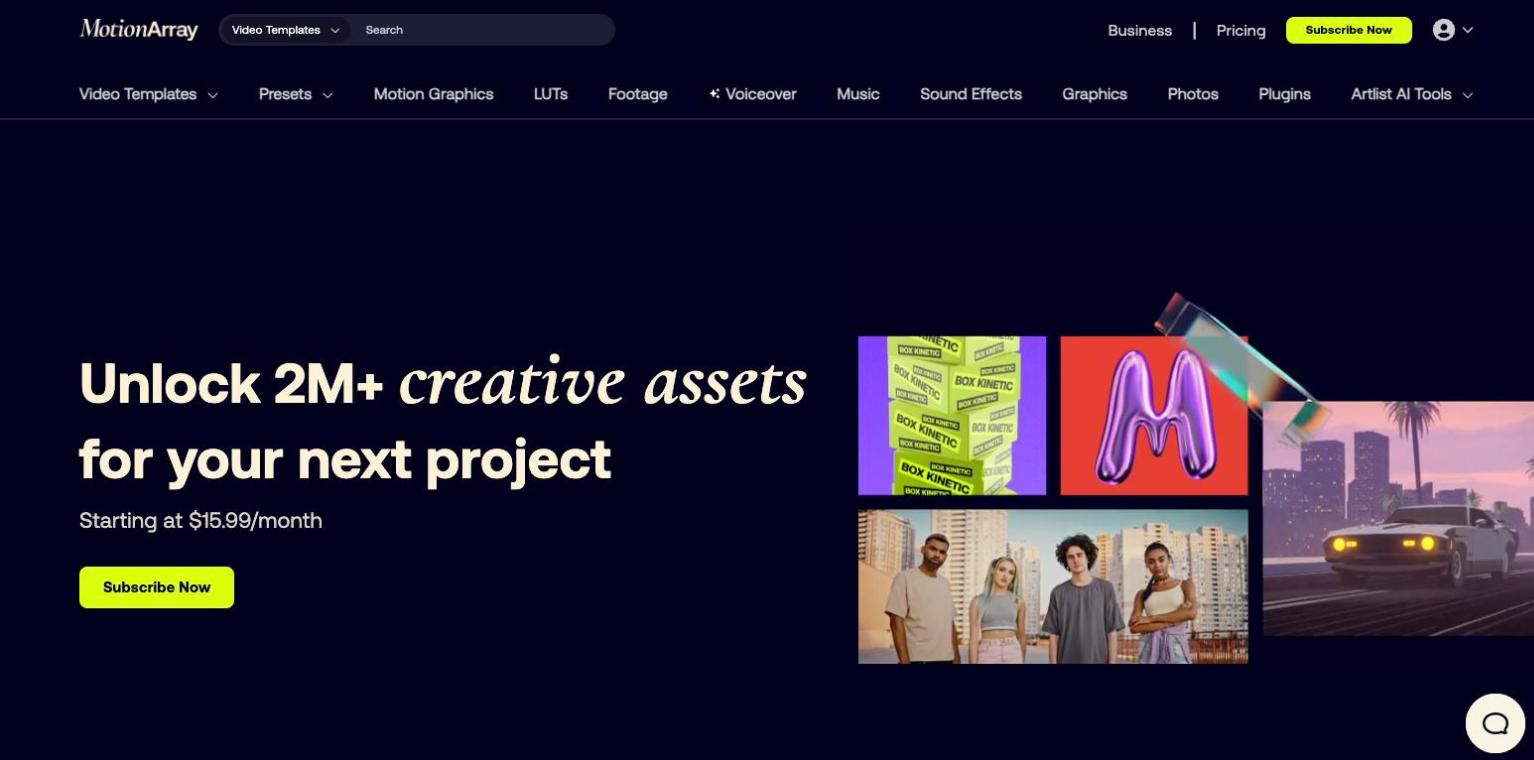
Motion Array, part of Artlist, is built around video templates and editing tools. Its Everything plan includes video templates and presets, motion graphics, stock footage, music, sound effects, graphics and photos, LUTs, 50+ video-editing plugins and AI voiceovers. It doesn't publish a library count, and its plans don't list fonts or 3D.
Plans: Everything is $39.99 a month, or $24.99 a month billed yearly ($299.88). The Video Templates plan, which covers templates, presets and motion graphics only, is $23.99 a month or $15.99 a month billed yearly ($191.88). Teams (2 to 7 seats, for companies under 50 employees) and Business (agencies and companies with 50+ employees) don't list prices. A free account includes free assets.
License: One user, any type of project. Projects you create during your subscription are covered for life. After you cancel, you move to a free account and can't use the assets in new projects. Nearly all assets are cleared for commercial use, and a few image and video items are marked editorial use only.
Pros:
- A templates-only plan for people who mainly need templates
- 50+ video-editing plugins on the Everything plan
- Free account with free assets
Cons:
- No fonts or 3D listed in its plans
- No library count published
- Agencies and companies with 50+ employees need the Business plan
4. Adobe Stock
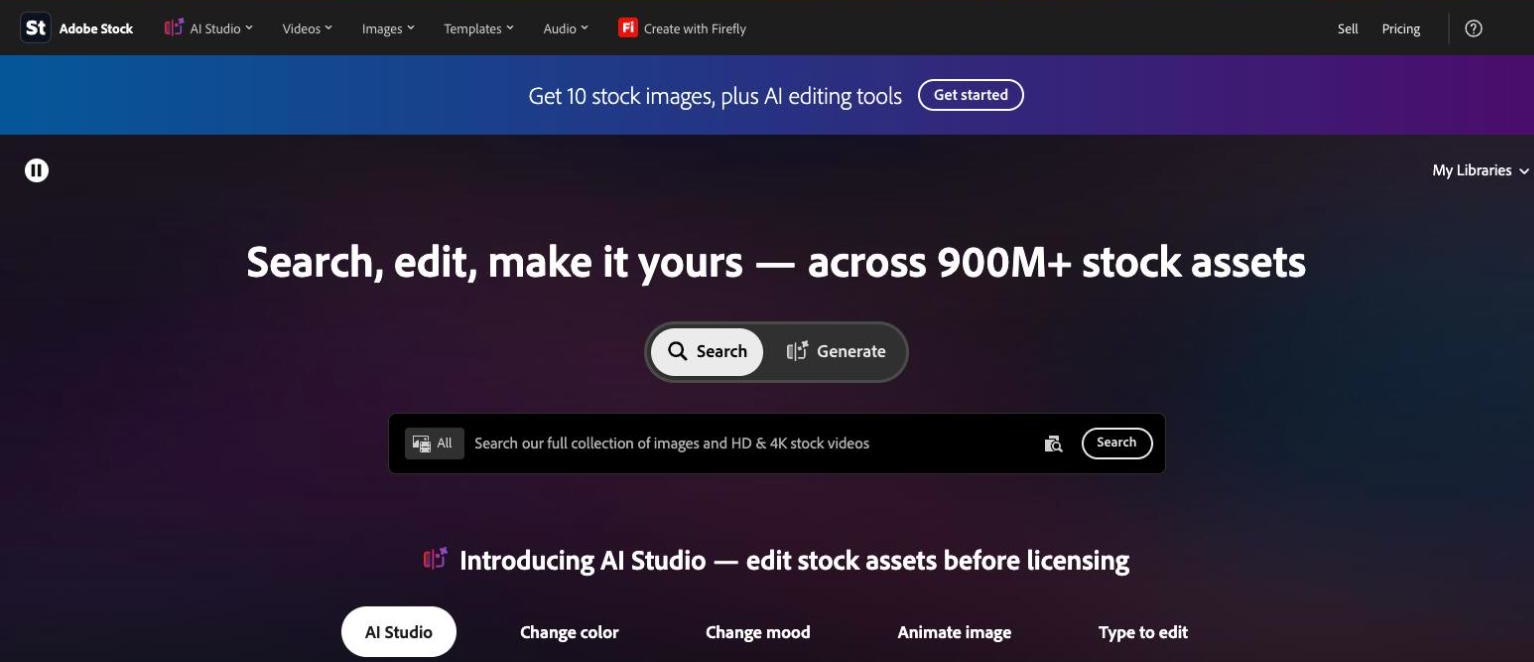
Adobe Stock lists 900M+ assets: photos, vectors and illustrations, HD and 4K video, music, 3D models, lights and materials, and templates for Premiere Pro and After Effects. Plans with AI Studio add AI image editing and generative credits for video edits.
Plans: The plans on Adobe's pricing page are annual commitments billed monthly: 10 assets a month for US$29.99, 10 assets plus AI Studio for US$39.99 (with a 7-day free trial), 40 assets plus AI Studio for US$89.99, and Unlimited Stock plus AI Studio for US$129.99 a month. Metered plans include 1 to 6 videos a month, and Unlimited covers standard assets plus HD and 4K video. Cancelling after 14 days can cost up to half of the remaining annual commitment. One-time credit packs (5 to 150 credits) are an option if you'd rather not commit to a plan, and they expire after 12 months.
License: Metered plans use a Standard license, which is perpetual for each licensed asset. The Unlimited plan uses an Enhanced license: after it ends you can keep using assets already in existing projects, but you can't use them in anything new. Adobe offers up to US$10,000 in indemnification.
Pros:
- Templates for Premiere Pro and After Effects
- One-time credit packs as well as plans
- Very large library, including photos and 3D
Cons:
- Metered plans cap assets per month
- Annual commitment with an early cancellation fee
- No sound effects or fonts listed in its plans
5. Storyblocks
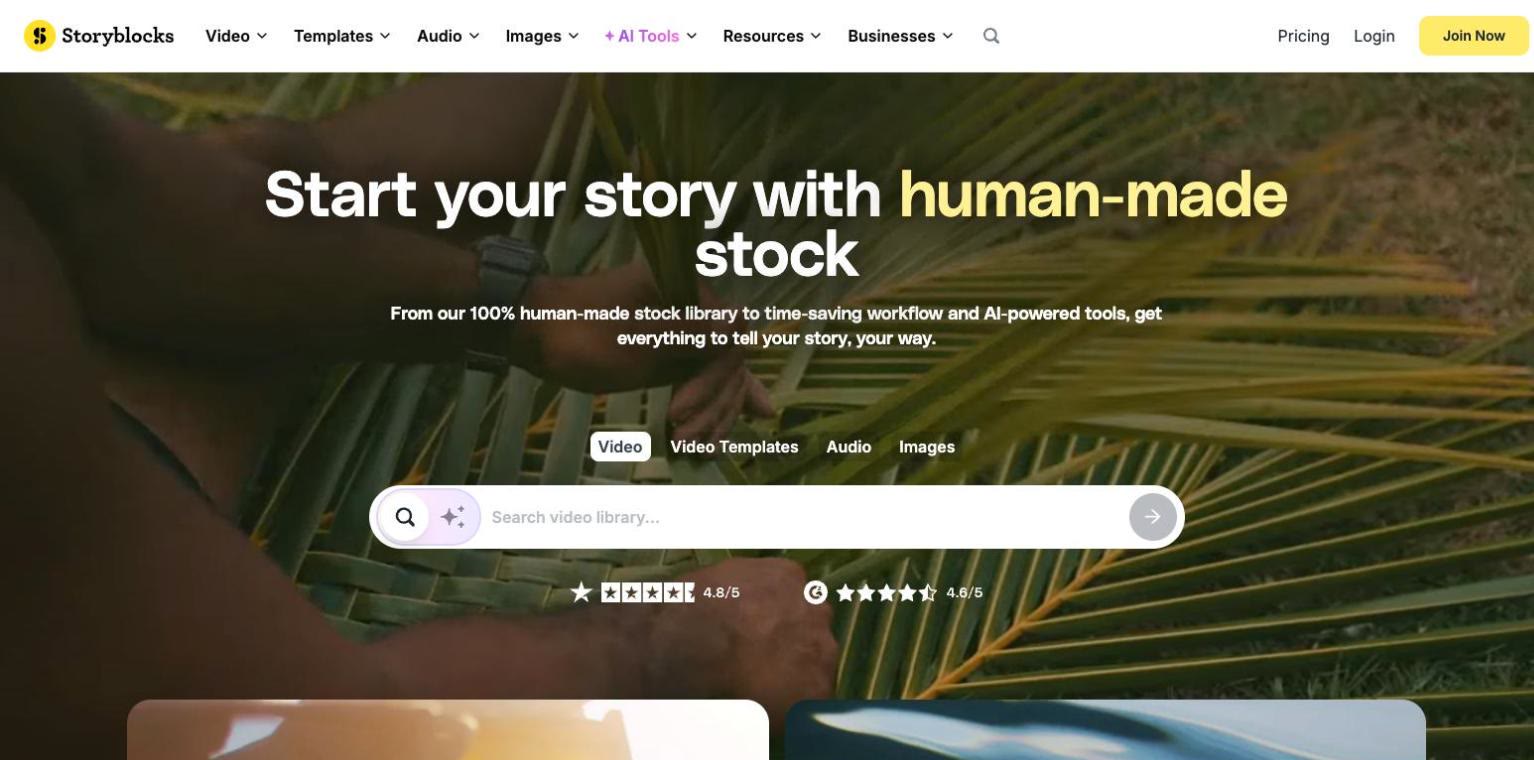
Storyblocks is built around stock footage. Its plans include 8K, 4K and HD video, video templates, photos, vectors and illustrations, and on All Access and higher plans, music and sound effects. It describes its stock library as 100% human-made with no generative AI content, and its plans include AI Toolkit credits for video editing and video and image generation, with voiceover on All Access and above.
Plans: Essentials is $42 a month, or $21 a month billed annually ($252 a year), and covers footage, templates and images without music or sound effects. Unlimited All Access is $65 a month, or $30 a month billed annually ($360 a year). Small Business is $40 a month billed annually ($480 a year) for companies under 50 employees, not including agencies, production companies or broadcasters. The Business plan is quoted.
License: On Individual and Small Business plans, projects you created before your subscription ended stay covered, but you can't use your saved assets in new projects after it ends. The Business plan adds $1M indemnification and broadcast and OTT use. There is no free trial. A free account lets you browse, make folders and get watermarked previews.
Pros:
- Footage in 8K, 4K and HD
- Human-made stock library
- Adobe Creative Cloud plugin included
Cons:
- No fonts listed in its plans
- Music and sound effects need All Access or higher
- No free trial
6. Artlist
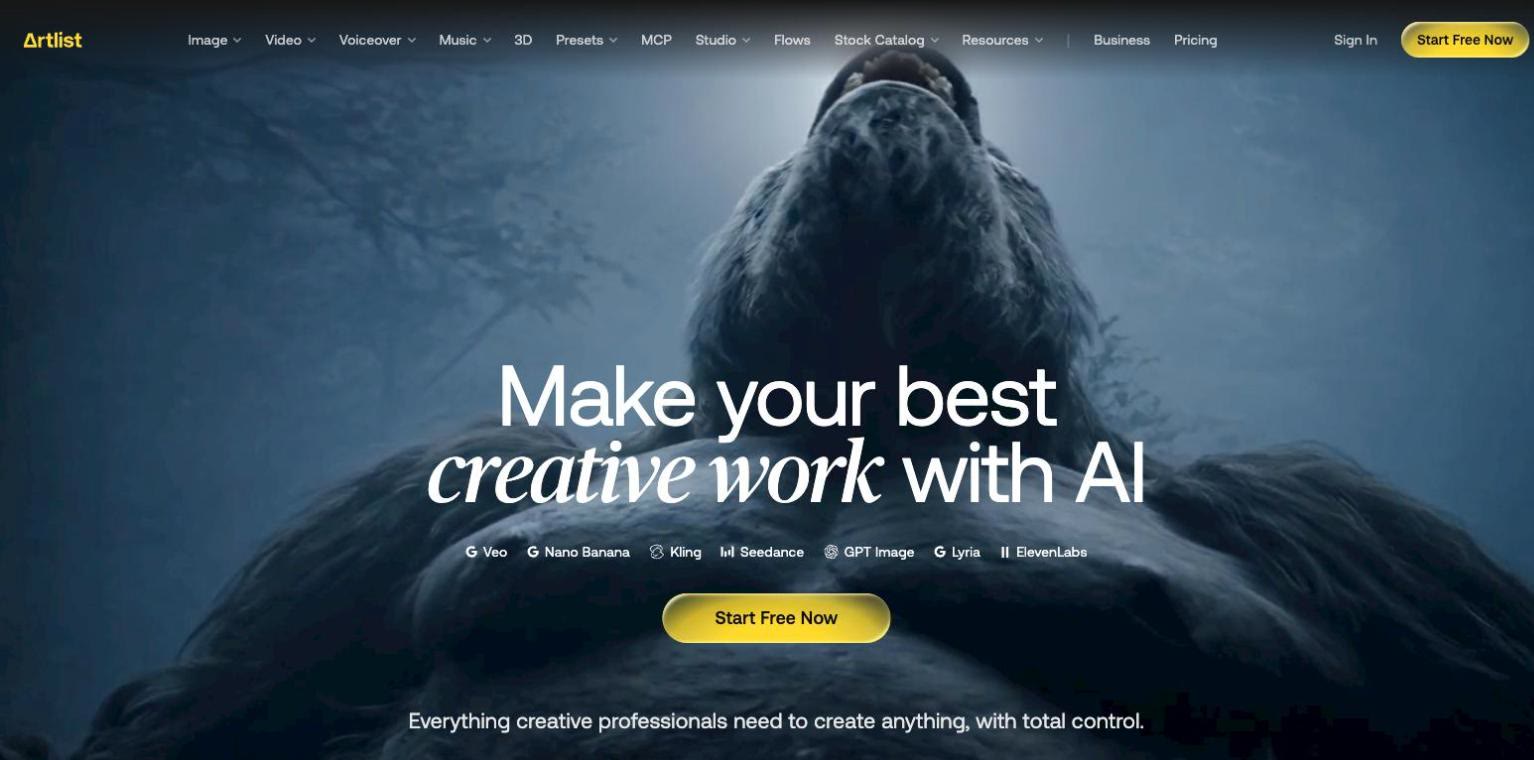
Artlist's plans are built around music and sound effects. The Max plan adds stock footage, templates, LUTs, plugins and AI generation for images, video, voiceover and music across 100+ models. Its plans don't include graphics, fonts or photos.
Plans: Music & SFX starts at $9.99 a month with a Social license for personal channels. Music & SFX Pro, which covers commercial and client work, is $299 billed annually ($24.92 a month). Max starts at $50.66 a month billed annually with 16,500 AI credits, and Max Business is $399 a month billed annually for up to 7 team members. Monthly billing is offered on Music & SFX Social and some AI-only plans, not on Max. AI-only plans start at $11.99 a month billed annually.
License: Projects you create and publish while subscribed are covered forever. The Pro license covers commercial use, client work and up to three channels per platform. The Social license covers one personal channel per platform. Agencies, broadcasters and companies with 50+ employees need the Business license.
Pros:
- Music with stems on its music plans
- Wide range of AI generation tools on Max
- Free account to test watermarked songs, footage and AI tools
Cons:
- No graphics, fonts or photos
- Max is billed annually only
- Social license is limited to personal channels
7. Mixkit
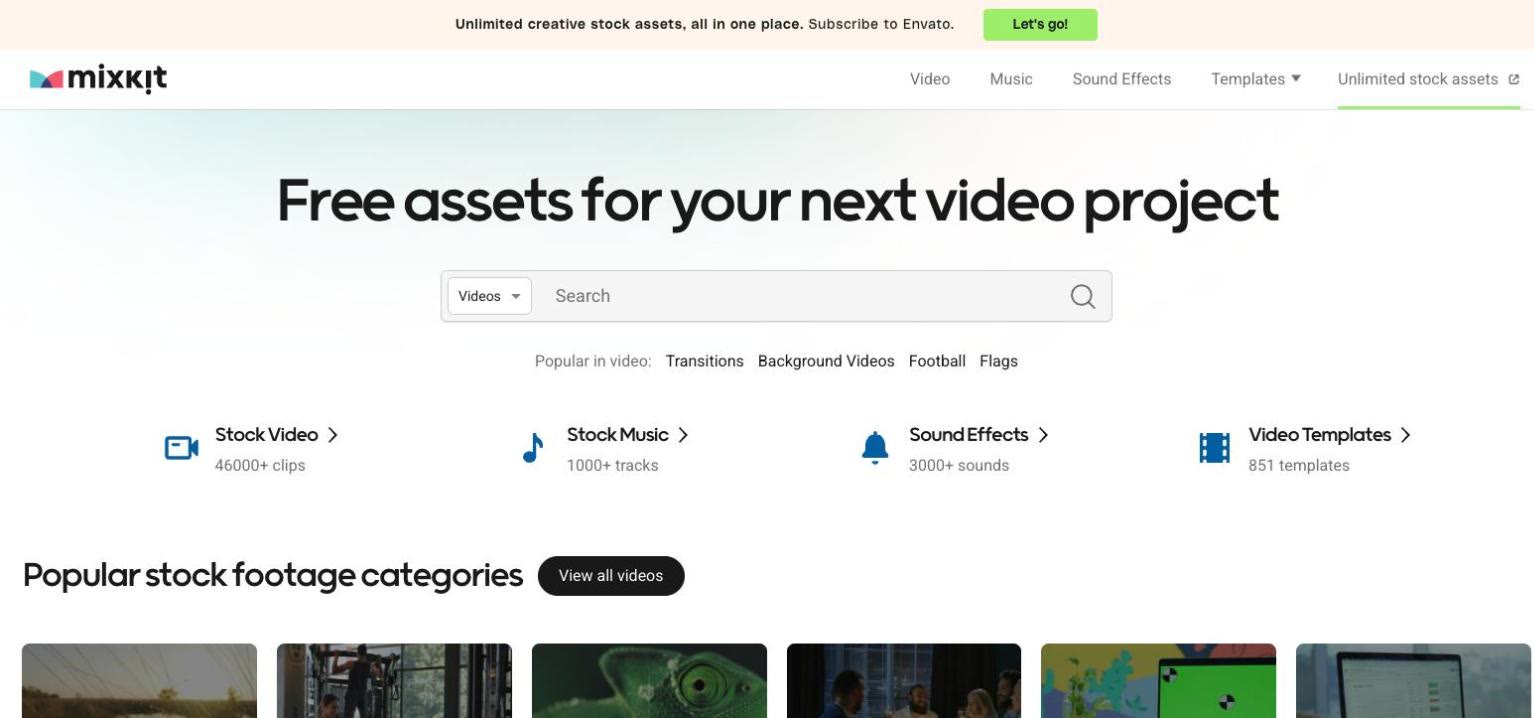
Mixkit is a free library made by Envato. It has 851 video templates for Premiere Pro, After Effects, Final Cut Pro and DaVinci Resolve, 46,000+ stock video clips, 1,000+ music tracks and 3,000+ sound effects, plus free icons. If you only buy a template from Videohive now and then, it is worth checking first.
License: Video clips and templates are free to use in commercial and personal projects, with no attribution required, and broadcast use is allowed. Free music can't be used in TV or radio broadcasts, video games, or CDs and DVDs, and some clips use a Restricted license for personal projects only, so check the license on each item.
Pros:
- Free, with no attribution required
- Templates for four editing apps
- Video, music and sound effects in one place
Cons:
- Much smaller library than Videohive or Envato Elements
- Free music is not cleared for TV or radio broadcast
- Some clips are for personal use only
8. Pexels
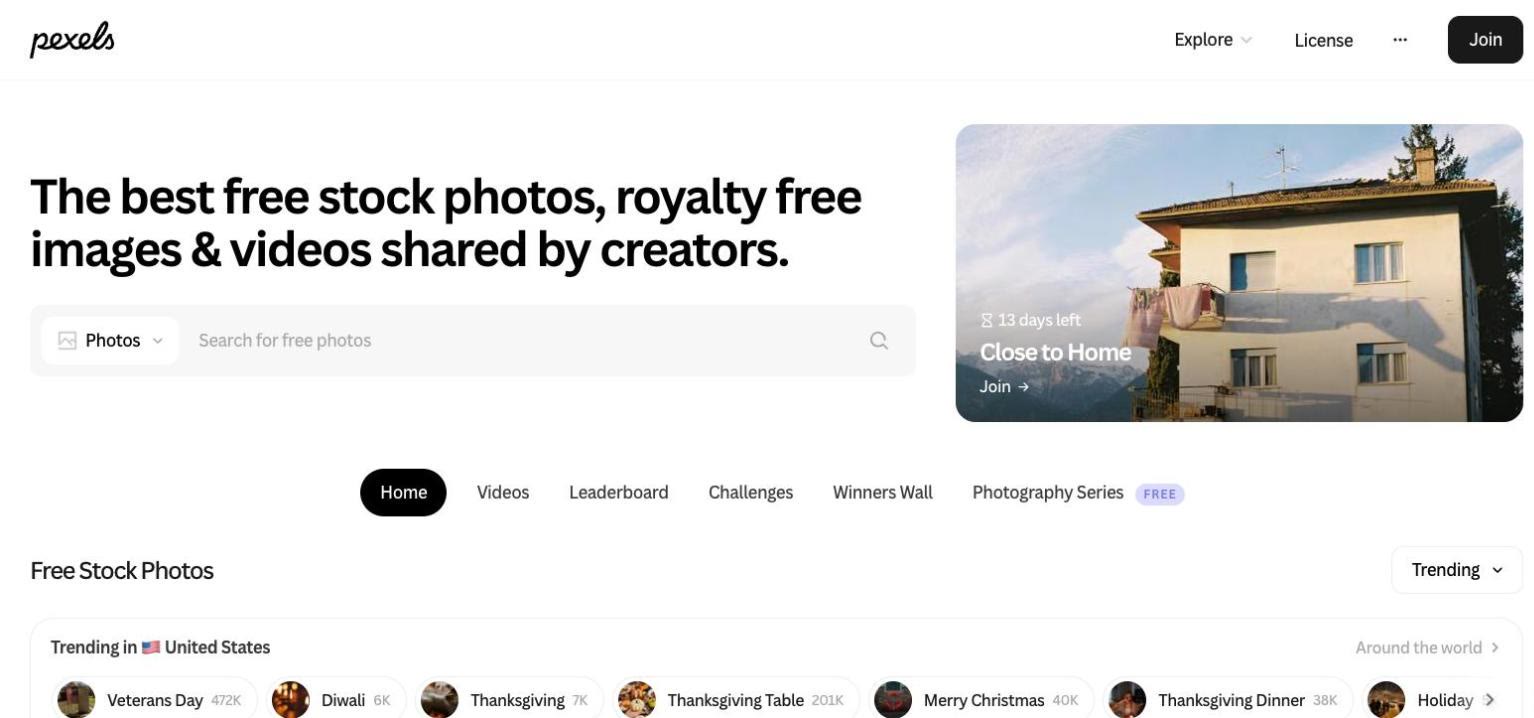
Pexels is a free library of stock photos and videos. If you buy stock clips on Videohive, it is a free place to look first. It has no templates, music, sound effects or graphics.
License: All photos and videos are free to use, attribution isn't required, and you can modify them. You can't show identifiable people in a bad light or in an offensive way, sell unaltered copies (for example as prints or physical products), imply endorsement, redistribute the files on other stock or wallpaper platforms, or use them in trademarks or business names.
Pros:
- Free, with no attribution required
- Photos and video in one place
- Files can be modified
Cons:
- No templates, music or sound effects
- Not a fit for motion design work on its own
- Unaltered copies can't be sold, for example as prints
FAQ
Is Videohive the same as Envato Elements?
No. Both are run by Envato, but they work differently. On Videohive you buy each item on its own, with a Regular or Extended license for one end product. Envato Elements is a subscription: one plan covers its whole library while you're subscribed, and each license covers one specific project.
Should I buy items one at a time or subscribe?
If you need a template now and then, buying single items keeps things simple: there's no plan to manage, and each license stays with its end product. If you use templates, music or graphics in many projects, a subscription gives you the whole library while you're subscribed. On most subscriptions here, finished projects stay licensed after you cancel, but new projects need an active plan. Motionstyles Lifetime is a one-time payment for the full library, and Adobe Stock sells one-time credit packs.
Which Videohive alternatives are free?
Mixkit and Pexels are free. Mixkit has 851 video templates plus stock clips, music and sound effects, and Pexels has photos and video. Motionstyles has a free plan with free items, and Motion Array has a free account with free assets. Artlist's free account lets you test watermarked songs and footage, and Adobe Stock offers a 7-day free trial on one plan.
Which alternative has the most video templates?
Envato Elements publishes the largest template count here: 160,000+. Videohive's counter of 11,987,137 combines stock footage, video effects and templates, so it doesn't give a template-only number. Motionstyles has 7,900+ video items, including 4,200+ for After Effects and 3,300+ for Premiere Pro, and Mixkit has 851 free templates. Motion Array, Storyblocks, Artlist and Adobe Stock include templates but don't publish template counts on their pricing pages.
What happens to my projects if I cancel?
Videohive has no subscription to cancel: each license stays with the end product you bought it for. On the paid subscriptions here, projects you finished while subscribed stay licensed, and what changes is new work. Envato Elements, Motion Array, Storyblocks (Individual and Small Business), Adobe Stock Unlimited and Motionstyles Pro all say you can't use assets in new projects after you cancel. Artlist covers projects you created and published while subscribed. Adobe Stock's metered plans license each asset perpetually, and Motionstyles Lifetime does not expire.
How to choose
- One or two templates for a single project, with no subscription: stay with Videohive, or check Mixkit's free templates first.
- Curated After Effects and Premiere Pro templates, plus graphics, fonts and audio from independent creators, organized by who you create for: Motionstyles.
- The same company as a subscription, with the widest range of asset types: Envato Elements.
- Templates, footage, audio and editing plugins in one plan: Motion Array.
- Photos, vectors and 3D alongside templates: Adobe Stock.
- Mostly stock footage: Storyblocks, or Pexels for free clips.
- Music first, plus AI generation: Artlist.
Plans and prices change often, so check each service's pricing page before you subscribe. For a wider comparison, see our Envato Elements alternatives. To see what Motionstyles creators make, browse After Effects templates, Premiere Pro templates, graphics, fonts and music.