Creative Market is a shop-style marketplace for fonts, templates, graphics, brushes, photos and 3D. Independent shops set their own prices, and you license each item on its own. If you use a lot of assets, want one plan that covers a whole library, sell print-on-demand products or need video and audio next to your graphics, another service may fit your work better.
We compared six alternatives on what they include, how their licenses work for client work and products you sell, what happens when you cancel, and what their plans cost. Every price and library number here comes from each service's own pricing, plan or license page, checked in November 2026. All prices are in the comparison table. Where a service doesn't publish a number, we don't guess one.
Creative Market at a glance
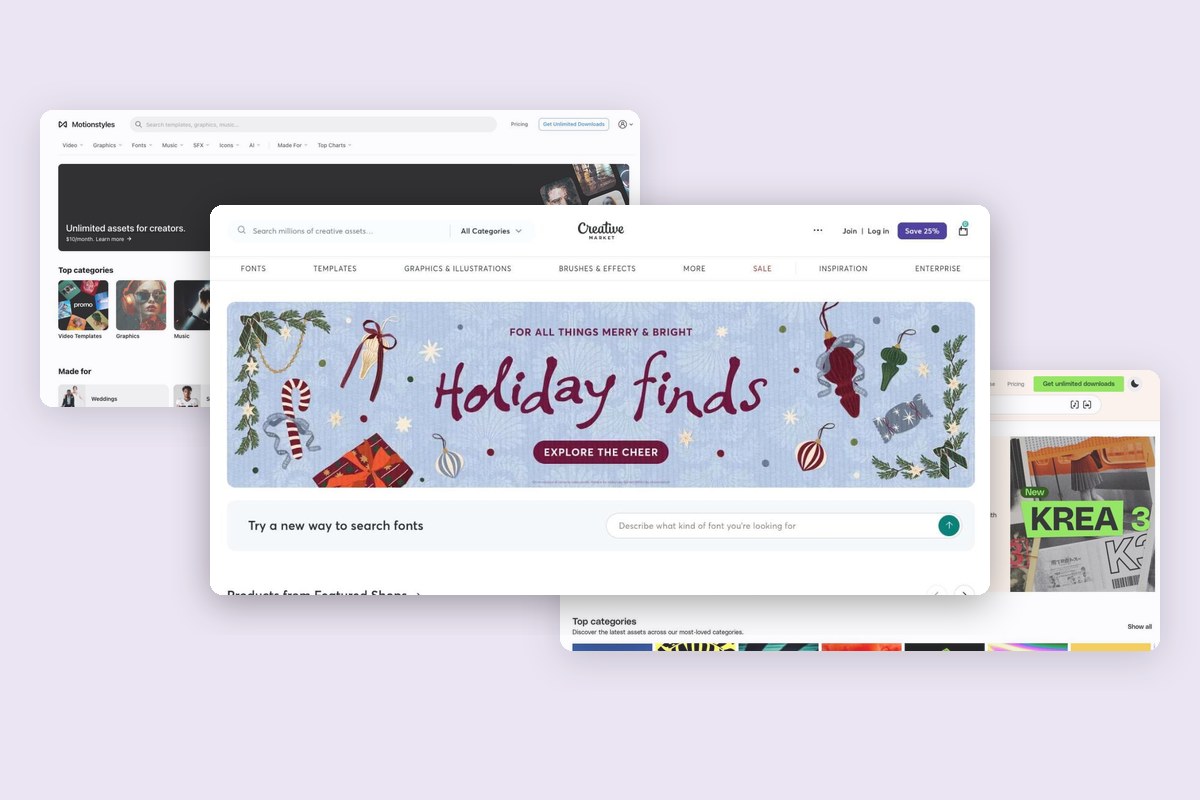
Creative Market lists 25 million+ design assets from independent shops. Its menus cover fonts, templates, graphics and illustrations, brushes and effects (including Procreate brushes), photos and 3D models. It doesn't sell video templates, music or sound effects.
Plans: You can buy any item on its own at the price its shop sets. Memberships come in five tiers, from Basic to Studio. Each one turns your monthly fee into credits to spend on items, adds 5% to 20% off every purchase, and includes a free monthly Drop of curated assets. Credits roll over while you stay subscribed. A membership is a discount and credit plan, not unlimited access to the library.
License: Each item comes with a Personal, Commercial or Extended Commercial license. Commercial covers up to 5,000 end products for sale, one business social account, and broadcast or streaming up to 500,000 lifetime viewers, but not apps or games. Extended Commercial raises that to 250,000 end products for sale, unlimited social accounts and broadcast viewers, and one app or game. Fonts have their own Desktop, Webfont, E-pub and App licenses. If you cancel a membership, items you bought with credits stay licensed, but unused credits are lost.
The Alternatives
1. Motionstyles
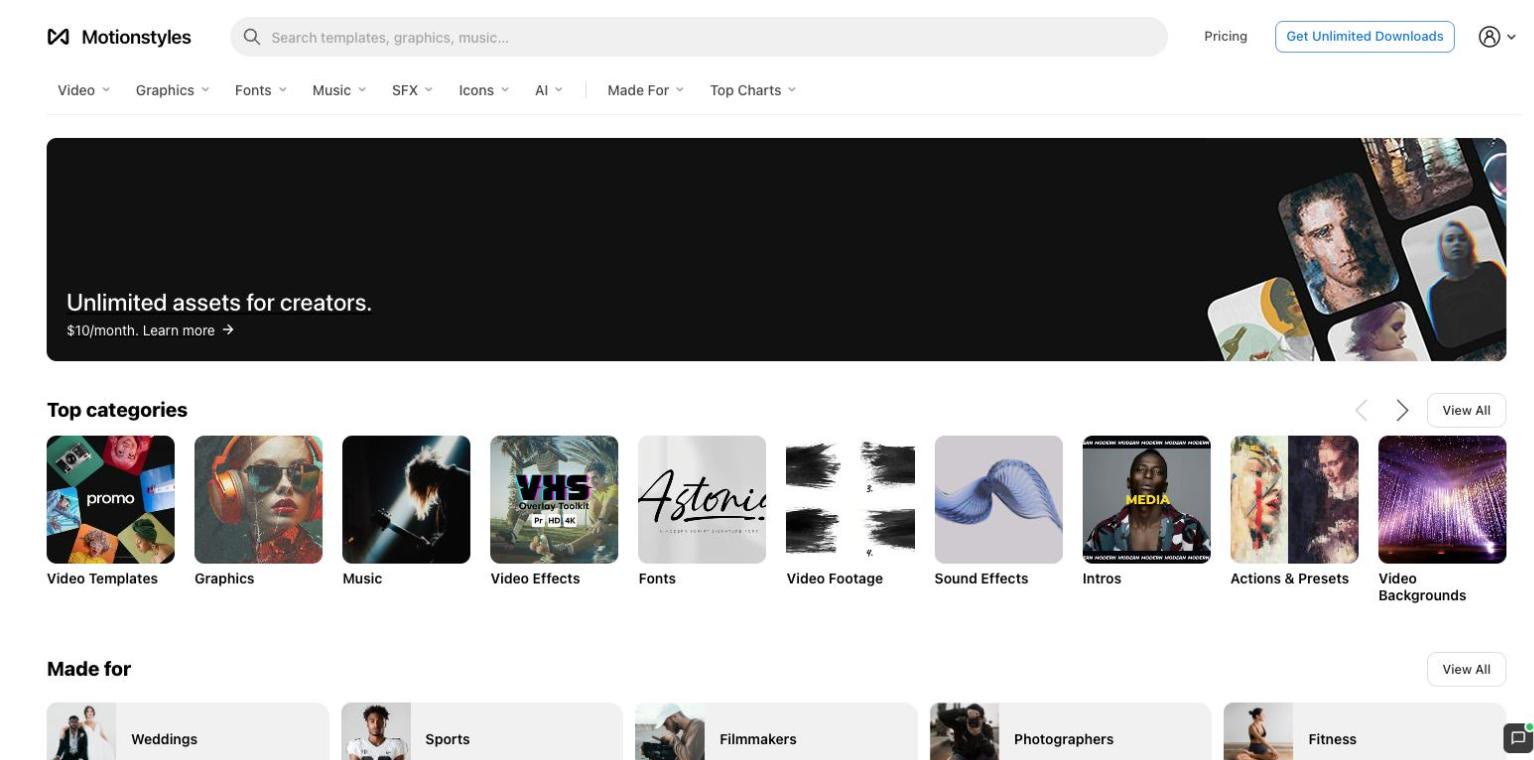
Motionstyles is a marketplace of 18,900+ video templates, graphics, fonts, music, sound effects and AI assets made by independent creators. Like Creative Market, it is built around work from independent makers. Unlike it, one plan covers the whole library, and items are organized into hand-picked Made For collections for churches, sports, realtors, weddings, educators, YouTubers and more.
On the design side it has 7,800+ graphics, mostly for Photoshop, Illustrator and Figma: actions and presets, UI kits, printable templates, mockups, presentations, brushes, textures and patterns. It also has 1,100+ fonts. What Creative Market doesn't offer at all is the motion and audio side: 7,900+ video items (templates for After Effects, Premiere Pro, DaVinci Resolve, Final Cut Pro and Apple Motion, plus compositing overlays like smoke, fire and light leaks), 1,100+ music tracks and 600+ sound effects. More than 650 items are free.
If you buy Procreate brushes, Canva templates or stock photos on Creative Market, Motionstyles won't replace that: it has only a small selection of Procreate and Canva items and no photos. It fits best if you design in Photoshop, Illustrator or Figma, or also edit video.
Plans: Free, with unlimited free downloads. Pro, billed monthly or yearly, and Lifetime, a one-time payment. Pro and Lifetime cover the full library for one user. See plans.
License: Commercial and client work are covered. Each item is used in one end product, while fonts and add-ons install on up to two devices and work across projects while you're subscribed. Finished projects stay licensed after you cancel, and new projects need an active plan. Lifetime access does not expire. Read the license.
Pros:
- One plan covers graphics, fonts, video templates, music and sound effects
- Curated collections built around who you create for
- Free plan and a one-time Lifetime option
Cons:
- Much smaller library than Creative Market
- No stock photos or 3D models
- Small selection of Procreate brushes and Canva templates
2. Envato Elements
Envato Elements is the closest match if you want Creative Market's range under one subscription. It lists 30+ million assets, including 440,000+ graphic templates, 300,000+ graphics, 82,000+ fonts, 220,000+ presentation templates, 16.7M+ photos and 380,000+ 3D items, plus 160,000+ video templates, 10.2M+ stock videos, 350,000+ music tracks and 950,000+ sound effects. Its AI tools cover images, video, voiceover, music and sound, and graphics and mockups.
Plans: Core, Plus and Ultimate, each billed monthly or annually, with more AI credits on each step up. Core includes 20 AI credits a month. Students get 30% off Core, and there are Teams and Enterprise plans. There's no free trial on its pricing page.
License: Each license covers one specific project, so every new use needs a new license. Fonts and add-ons install once and work across projects while you're subscribed. Licenses for projects you completed while subscribed stay valid, but after you unsubscribe you can't use items in new work. Merchandise is generally not allowed, and music can't be used in broadcast presentations.
Pros:
- Fonts, graphics, templates, photos and 3D in one plan
- Also covers video, music and sound effects
- Student discount on Core
Cons:
- Each project needs its own license
- Merchandise use is generally not allowed
- No free trial on the pricing page
3. Creative Fabrica
Creative Fabrica is a subscription library for designers, crafters and AI creatives, with over 11.7 million assets. Its plan page lists graphics, fonts, cut files for cutting machines, and embroidery designs, plus 1,155 premium classes. The site also has stock photos and AI generators for images, video, music and 3D, but the subscription page doesn't say whether those are part of the plan. You can also buy single items without a subscription.
Plans: A free trial gives you 10 premium items free and then renews into the yearly plan unless you cancel. The only paid plan on the page was All Access, billed yearly, shown as a timed offer when we checked. No monthly plan was listed.
License: The subscription license covers unlimited personal and commercial end products, both physical and digital, with no attribution. Items you get from April 25, 2026 on include Full print-on-demand rights for most non-font categories (embroidery files are excluded), so you can sell them on POD sites without changing the design. Digital products you sell must be flattened and can't compete with the original item. After you cancel, you can keep selling what you made while subscribed, but you can't create new designs with the files (craft files are the exception). Full POD designs have to come down from POD sites unless you modified them. The license covers up to three devices for one user, and webfont or app embedding needs an Enterprise license.
Pros:
- Very large library of fonts, graphics and craft files
- Print-on-demand rights built into the subscription license
- Free trial with 10 premium items
Cons:
- No new designs from your files after you cancel
- Pricing shown as a timed offer, with no monthly plan listed
- Library leans toward crafts and print-on-demand
4. Magnific (formerly Freepik)
Freepik renamed itself Magnific in April 2026, and freepik.com now opens magnific.com. It is now an AI platform first, with image, video and audio models, upscalers and a shared canvas. Its plans still include 250M+ stock photos, videos, vectors and PSDs, and its menus list templates, mockups, icons, fonts, video templates and 3D models.
Plans: Premium, Plus and Pro, each billed monthly or annually. Each plan includes AI credits, and Plus and Pro add unlimited generations on some models. There's a 30-day refund guarantee.
License: Free content can be used with attribution. Subscribers can use content taken during their subscription without attribution. You can't resell the files, use them as the main element of products for sale like t-shirts, cards or templates unless your subscription terms allow it, or put them in a trademark without changing them. Fonts can be used in documents and websites, but not in items for resale. The terms don't spell out what happens to content you used before cancelling, so check them if that matters to you.
Pros:
- Huge stock library next to a wide set of AI tools
- Free content with attribution
- Monthly or annual billing on every plan
Cons:
- Site and plans now lead with AI tools
- Strict limits on using assets in products for sale
- Music and sound effects listed only as AI generation
5. Design Bundles
Design Bundles is a subscription library from 850+ independent designers, built mainly for crafters and makers. It lists 3.6M+ premium assets, including 42,000+ fonts, 500,000+ SVGs, 310,000+ illustrations, 45,000+ patterns, 35,000+ mockups and 3,000+ Procreate items. Its Unlimited plan also includes Creator, an AI design suite, and Easy Edits for quick changes in the browser.
Plans: Hobbyist gives you 10 items a month with a Personal license only. Unlimited gives unlimited access with a commercial license and has a 7-day free trial. Business adds a Corporate license for a whole team. All three are billed monthly or yearly.
License: Unlimited comes with a Premium and POD license: unlimited personal and commercial end products, physical goods, and print-on-demand or outside manufacturing with designs used as they are. New digital designs must transform the original graphics. Fonts can be used for branding and logos, embedded in apps and e-books, and used as web fonts up to 100,000 page views a month. Items you got while subscribed stay covered for life under the license of your tier at the time.
Pros:
- 42,000+ fonts and 35,000+ mockups
- Print-on-demand and web font use included on Unlimited
- Licenses stay valid after you cancel
Cons:
- Library leans toward crafts, SVGs and sublimation
- Hobbyist plan is personal use only
- No photos, video or audio listed
6. Adobe Stock
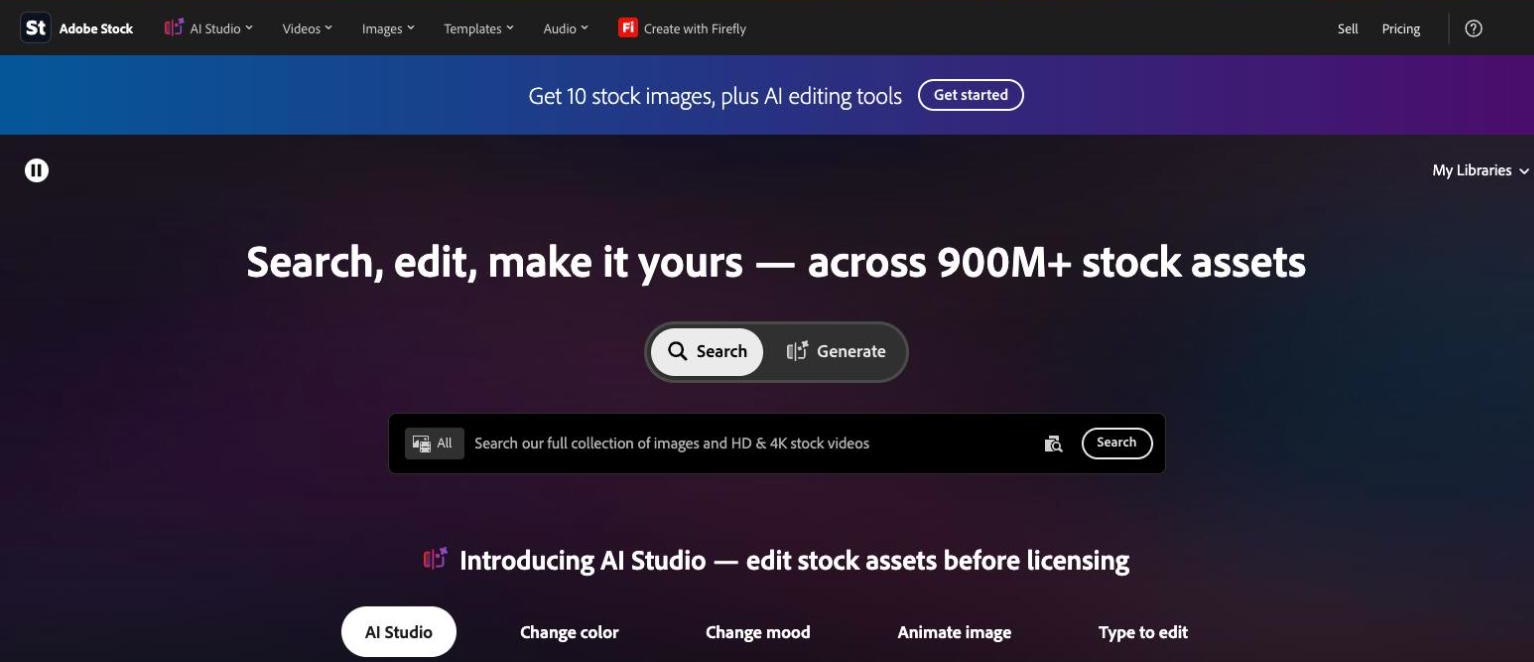
Adobe Stock lists 900M+ assets: photos, vectors and illustrations, HD and 4K video, music, 3D and templates for Premiere Pro and After Effects. It works inside Creative Cloud, so you can preview and license assets from apps like Photoshop. Plans with AI Studio add AI image editing and generative credits.
Plans: Metered plans with 10 or 40 assets a month, and an Unlimited plan. All are annual commitments billed monthly. Cancelling after 14 days can cost up to half of the remaining annual commitment. Credit packs cover one-off needs, and one plan has a 7-day free trial.
License: Metered plans use a Standard license, which is perpetual for each asset and covers print runs up to 500,000, but not items made for resale. Extended licenses cover more. The Unlimited plan uses an Enhanced license: after it ends you can keep using assets already in existing projects, but you can't use them in anything new. Fonts are not part of Adobe Stock; they come with Creative Cloud as Adobe Fonts.
Pros:
- Very large library of photos, vectors and 3D
- Built into Creative Cloud apps
- Unused credits on metered plans roll over
Cons:
- Fonts are not part of Adobe Stock
- Annual commitment with an early cancellation fee
- Standard license excludes items for resale
FAQ
Which Creative Market alternative is most similar?
For the same mix of fonts, templates, graphics, photos and 3D under one plan, Envato Elements is the closest. Creative Fabrica and Design Bundles are closest in feel: large libraries from independent designers with fonts, graphics and print-on-demand rights. Motionstyles also comes from independent creators, with a smaller, curated graphics and font library plus video and audio.
Which alternatives have the most fonts?
Envato Elements lists 82,000+ fonts and Design Bundles 42,000+. Creative Fabrica includes fonts in its plan without giving a separate count. Motionstyles has 1,100+, and Magnific has its own font section. Adobe Stock doesn't sell fonts; Adobe Fonts comes with Creative Cloud instead.
Can I sell t-shirts or other print-on-demand products?
It depends on the license. Creative Fabrica and Design Bundles (Unlimited) both include print-on-demand rights, with limits on how fonts are used. Creative Fabrica's rights for unmodified POD designs end when you cancel. Creative Market's Commercial license covers up to 5,000 end products for sale, and Extended Commercial up to 250,000. Envato Elements generally doesn't allow merchandise, Magnific doesn't allow its content as the main element of products for sale unless your subscription terms say so, and Adobe Stock's Standard license excludes items made for resale. Check the license of the service you pick before you sell anything.
What happens to my work if I cancel?
Creative Market items you bought or redeemed with credits stay licensed. Design Bundles keeps items covered for life under your tier's license, and Adobe Stock's Standard license is perpetual. Envato Elements, Adobe Stock Unlimited and Motionstyles Pro keep finished projects covered, but you can't start new projects with their assets. Creative Fabrica lets you keep selling what you made, but not create new designs, and Full POD designs must come down from POD sites. Motionstyles Lifetime does not expire.
Which alternatives are free?
Magnific lets you use its free content with attribution. Motionstyles has a free plan with 650+ free items. Creative Market members get a free monthly Drop of curated assets. Creative Fabrica's free trial includes 10 premium items, Design Bundles has a 7-day free trial on Unlimited, and Adobe Stock has a 7-day trial on one plan.
How to choose
- Creative Market's range under one subscription: Envato Elements.
- Crafts, Cricut files and print-on-demand: Creative Fabrica or Design Bundles.
- Stock photos, vectors and AI tools in one place: Magnific.
- Already in Creative Cloud and mostly need photos and vectors: Adobe Stock.
- Curated graphics and fonts from independent creators, plus video templates, music and sound effects: Motionstyles.
- A few special items now and then: buying single items on Creative Market can still make sense.
Plans and prices change often, so check each service's pricing page before you subscribe. For video-first comparisons, see our Envato Elements alternatives and Motion Array alternatives. To see what Motionstyles creators make, browse graphics, mockups, fonts and video templates.